Email templates for a B2B SaaS brand
Promo, win-back, product update, sales and account emails I designed and hand-coded in HTML, all built on one brand template so every send looks like the same company.
Outcome at a glance
One reusable brand template behind more than 60 lifecycle and transactional emails, all taking names, dates and amounts from the sending platform.
Context
The brand sends many kinds of email: seasonal promotions, win-back offers, product updates, cold sales emails and account notices such as payment or cancellation messages. All of them had to look like one company.
My role
I designed the emails and coded every template by hand in table-based HTML with inline styles, which is what email clients still need. Seven of them are shown below. The images are screenshots of the real templates, with merge tags left in place.
Selected templates
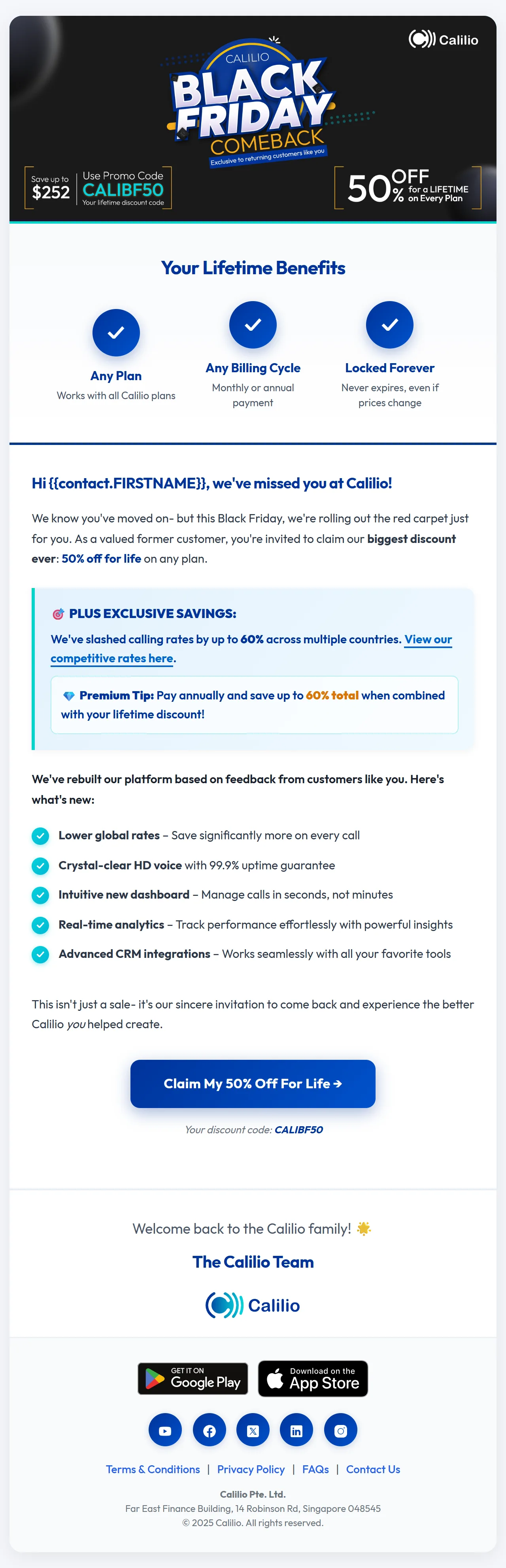
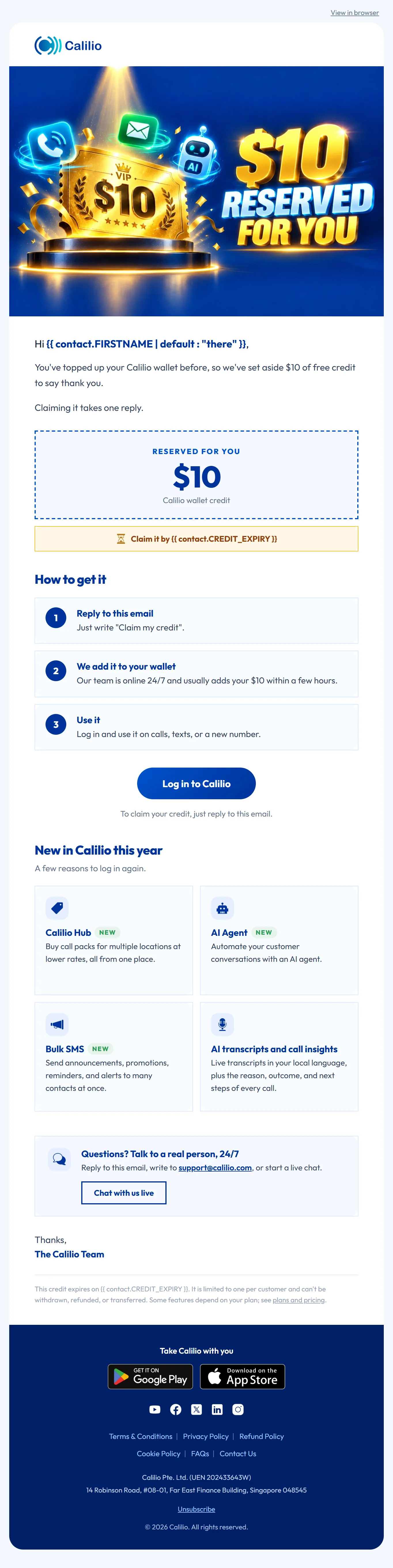
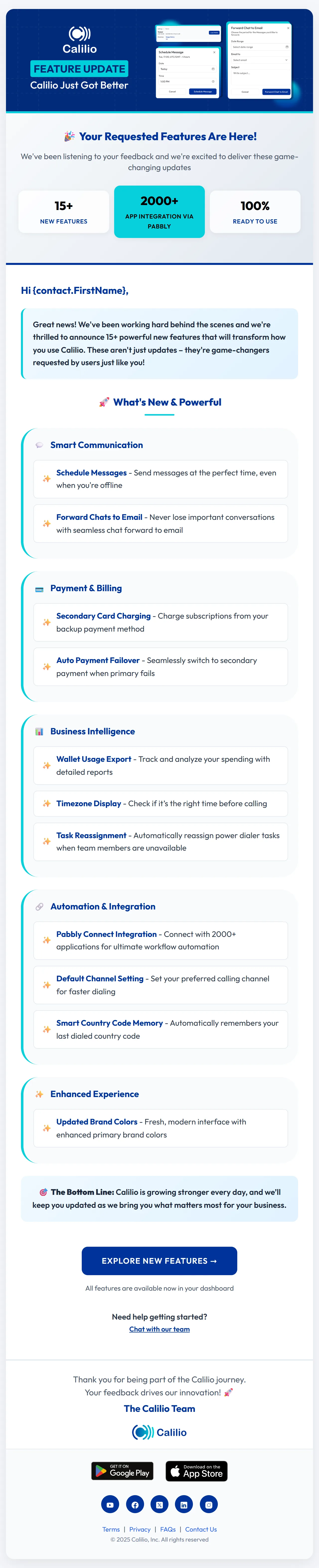
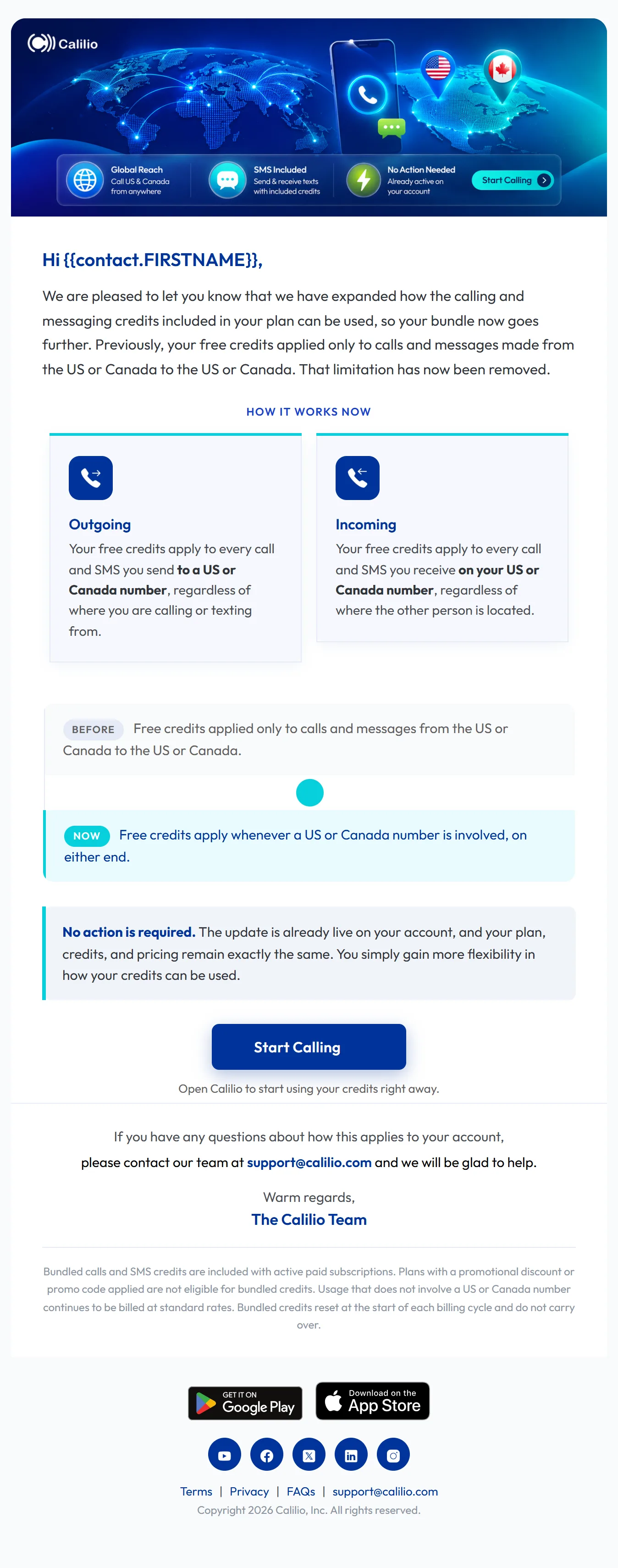
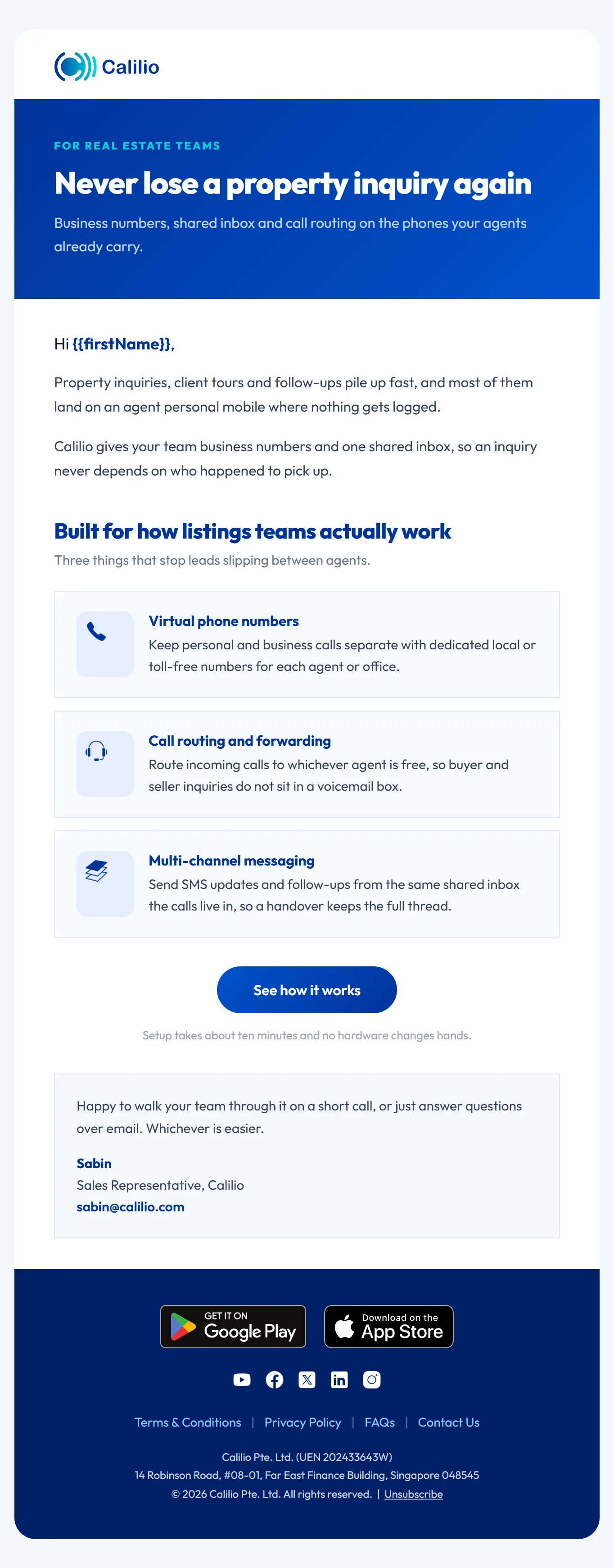
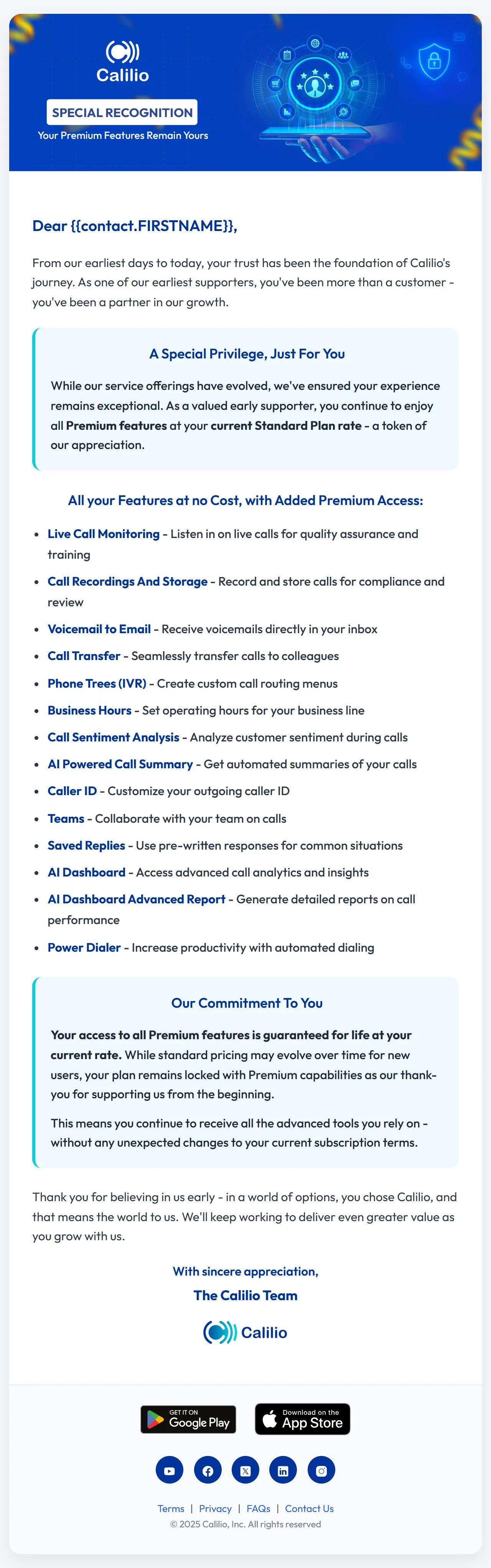
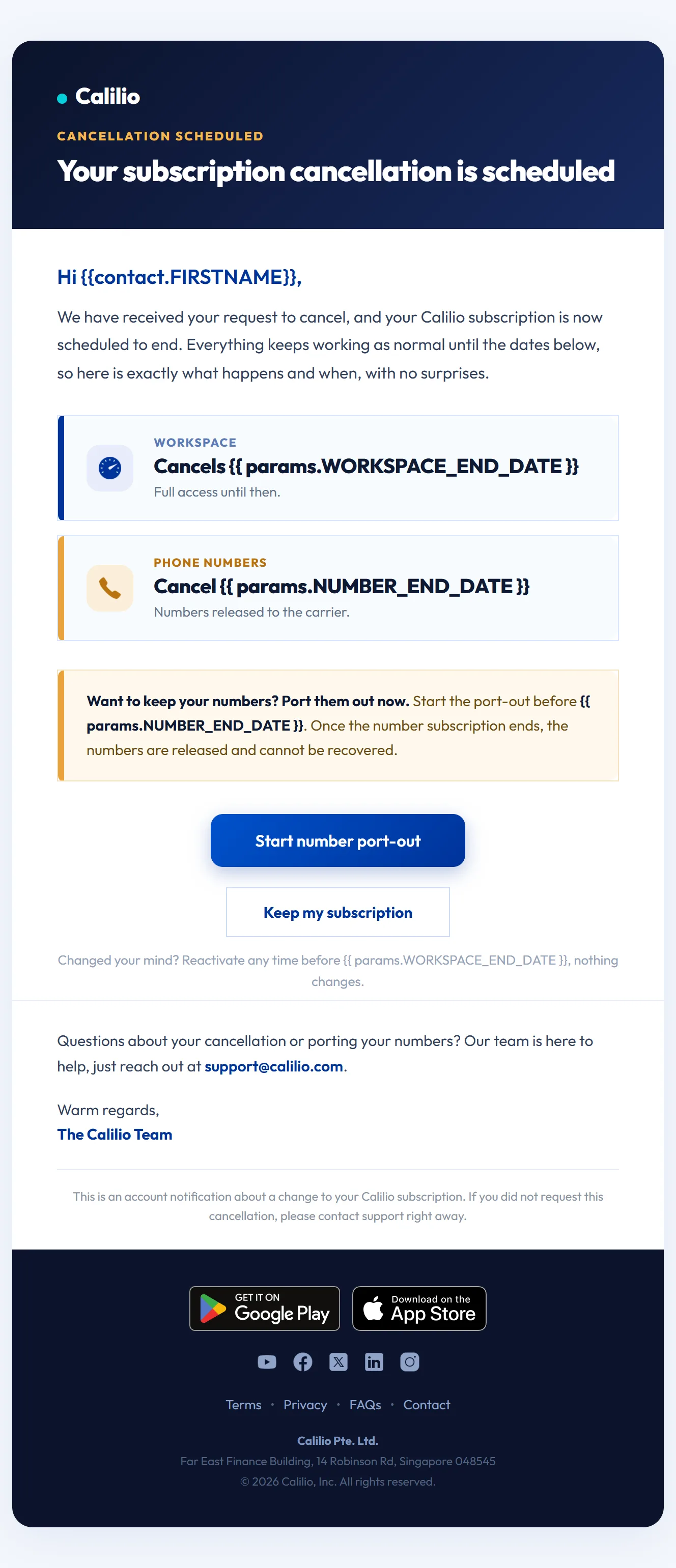
Select any template to open the full-length email.
Approach
- One master template. Header, hero, content blocks, buttons and footer are shared, so a new email starts from the brand and not from a blank file.
- Built for real inboxes. Tables and inline styles, a 600 pixel content width, and bulletproof buttons that still show when images are blocked.
- Merge tags from the platform. Names, dates and amounts come from the sending tool, so one template serves every customer.
- One job per email. Each email has one main action, and the tone matches the moment: bold for a sale, calm for a cancellation.
Working from Figma
For a new brand I start in Figma: a small email kit from the brand guidelines (colors, type, buttons, spacing), then the full template with desktop and mobile frames. After sign-off I rebuild it as blocks the email platform can edit, so the team can make new emails without a designer.